
Thinking of bringing it into your shop? Contact Demo

Mold MES with process control and recommended scheduling
One mold, dozens of parts,
hundreds of operations

To know how far a job has gone, you end up asking someone on the floor.
The answer changes every time you ask, and by the time you hear it is late, it already is.

ForYouMES shows where every job stands, and when it will be done.

From the mold shop floor

Is this where your time goes?

Mold management software, built by people who have made molds, around the problems that keep coming back on the floor.

“How far along is that mold?”

Each operation has a different owner, so no single person can answer. Pulling it together takes half a day.

“When can we have this done?”

When sales asks, someone has to walk the whole floor to find out. And that date changes as soon as one rush job cuts in.

“The steel still isn't here?”

A part you thought was ordered never arrived, and machining stops. You only find out once it has stopped.

“Did we actually make money on this one?”

Add up outsourcing costs and in-house hours, and the total doesn't match the quote. You can only do the math after the job is over.

So this is what we built

See where every job stands, without asking

Operators tap start and finish, and the status builds up by itself.
No separate logbook, and nobody whose job is to collect updates.

The real screen

In the office, and on the big screen on the floor

What you see below is not a mockup. It is the running screen, captured as is.

Shop floor monitoring and MES production status Live --:--:--

* All company names and figures on the screen are demo data.

* The example is shown in the Korean interface.

Recommended scheduling

Recommended scheduling tells you when it will be done,
and when a new job can fit in

Enter one part, and it shows when each operation can run, along with the reasons.
Give it the date you want, and it tells you whether that works.
If not, it points you to the nearest open slot.

  • Accounts for working hours, lunch, holidays, weekend shifts and machines that run around the clock
  • Uses each machine's actual throughput and outsourcing lead times to schedule to the hour, not just the day
  • Nothing is saved while you look. If you like it, add it to the plan as is, or drag to adjust first
Recommended scheduling Core insertDue 10-14
10-0110-0210-0310-0410-0510-0610-0710-08
RoughingMCT2
Heat treatOutsourced
EDMEDM1
PolishingPolish 1
Plan Forecast Other job Day off

Requested: 10-06, afternoon. Polish 1 is on another job then.

Nearest open slots 10-07 10:20 ~ 15:18Polish 1 10-07 13:00 ~ 16:58Polish 2

Solid bars are the plan, dashed bars are the forecast.
A simplified illustration of the actual screen.

Warns you before a job is late

Due date forecasts flag molds that are heading past their due date. You also see the latest date you can start and how many days of slack are left, so due date management no longer rests on someone's memory.

The forecast sits under the plan

A dashed forecast bar is drawn under each solid plan bar. You see plan and reality drift apart right on the schedule.

Purchasing gets a need-by date

The purchasing screen shows the date each part has to arrive by.

It tunes itself to your shop

Forecasts combine your standards table, with standard hours and a difficulty grade per operation, and your shop's own job records. You edit the standards table yourself.

The screens

Screens built for use on the floor

No separate reports to prepare. What operators enter becomes the status.

Process control

Recommended scheduling

No separate APS (production scheduling) tool needed. Enter a part and see when each operation can run, with the reasons, and if your date doesn't work, when the nearest open slot is.

Progress

Process status

For each mold, see how far design, machining, assembly, trial shot and final inspection have come, and how many days are left to the due date, on one line.

Purchasing

Late deliveries

Not yet ordered, awaiting delivery and overdue are shown in different colors. Fewer machining stops caused by a late part.

Equipment

Machine status

A floor layout shows which machine is running which job, and for how long. Machines idle for a long time are marked separately.

Progress

Capacity

Manage the production schedule with bars. See each mold's schedule and each day's load, and know in advance when work will pile up.

Results

Cost and margin

Against the quote, see what went into raw material, purchases, in-house machining and outsourcing, and whether each mold made or lost money.

Shop floor

Operator screen

Operators see only their own jobs and tap start and finish. Records build up without paper work orders.

A worker in protective gear
Machining floor

No more work orders
passed around on paper

Every part keeps a record of which machine, who and when.
In-house and outsourced machining are handled the same way, so parts sent out don't slip through.

  • An operator screen that shows only assigned jobs
  • Records that build up from start and finish taps
  • Expected arrival and delay flags for outsourced parts
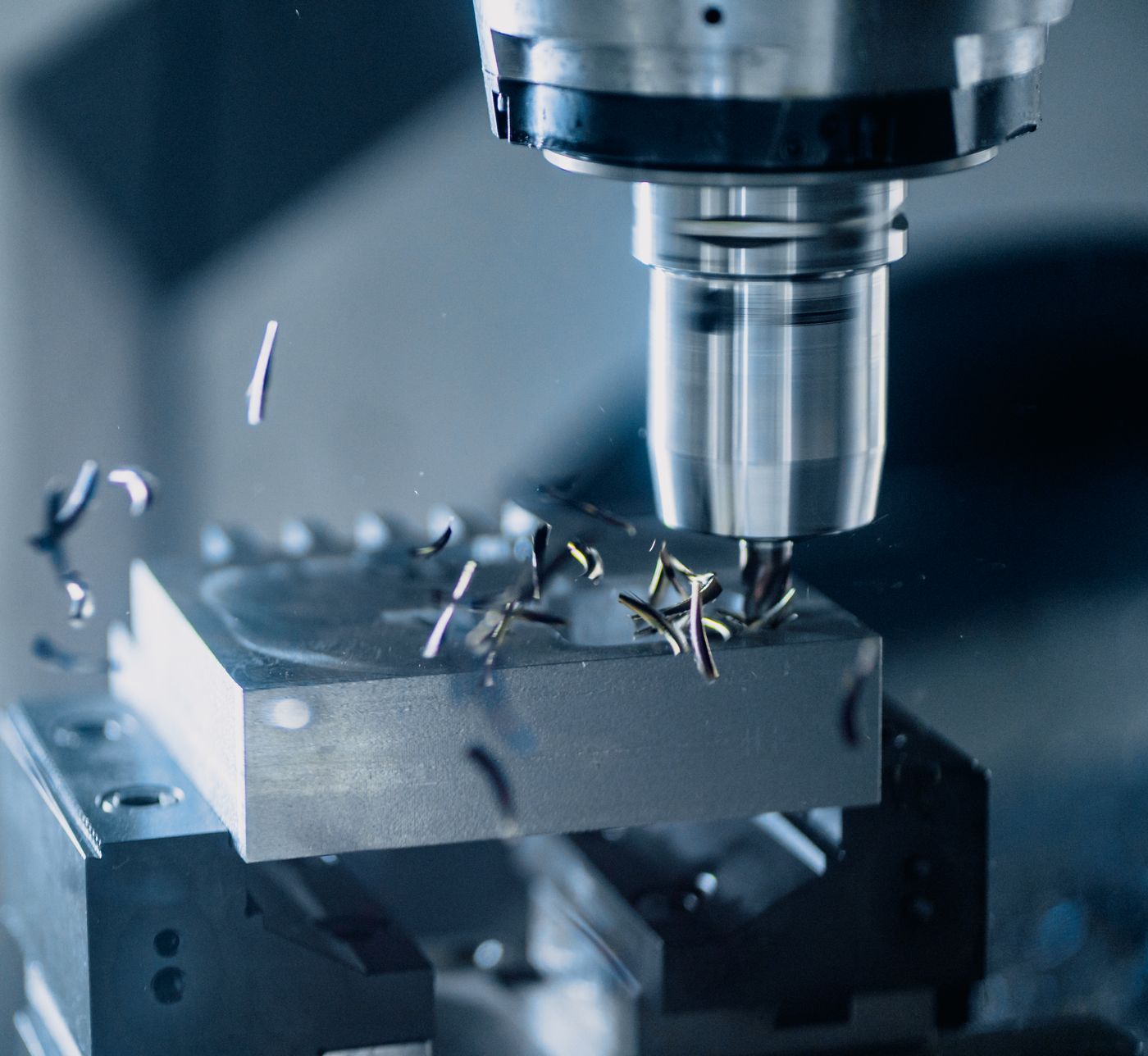
Milling a block of mold steel
Design and drawings

Drawings and parts lists
flow straight into production

Parts registered in design become the machining work as they are.
For a similar mold, copy an earlier job and its parts and drawings come along.

  • Drawings and the parts list kept together for each mold
  • Start a new job by copying an earlier mold
  • Attach any file type, CAD files included
How work flows

From order to shipment

We put the path a mold takes straight onto the screen.
When one operation finishes, the job shows up at the next.

01Order and designMold entry, parts list
02Purchasing and materialsOrdering, receiving
03MachiningIn-house and outsourced
04Assembly and trial shotMolding condition sheet
05Final inspectionChecklist, cost closing

Getting started

Ask us anything

The quickest way is for us to visit and walk through the screens with you.
Every shop has its own process mix and working conditions, so it settles in smoothly only when we see it and fit it in person.

  • First, we listenYour process mix and how you work today
  • Then we look togetherCheck the fit on the real screens
  • Then we fit itProcesses and operator accounts set up for your shop